Survival Mechanics
Last updated: May 18, 2026
The systems keeping you alive between gunfights. Temperature, hunger, thirst, animals, healing — the unglamorous mechanics that decide if you make it back to base.
Health, hunger, thirst
Three vitals at all times. They interact.
- Max HP: 100 (default). Some teas push higher.
- Hunger: drops over time and after exertion. Below 50 you stop regenerating HP. At 0 you start losing HP slowly.
- Thirst: drops faster than hunger. Below 25 you take periodic damage.
- HP regen rate: ~0.5 HP/sec when hunger > 50 and thirst > 50. Slower if hunger/thirst low.
Pro tip: keep hunger above 60 and thirst above 50 at all times. Carry 10 cooked meat  and refill water at every river/lake.
Food
| Food | Calories | Water | Health regen bonus | Notes |
|---|---|---|---|---|
| Raw fish | 10 | 0 | None | Eat raw or cook |
| Cooked fish | 60 | 15 | +5 HP over time | Cook over campfire  |
Raw meat  |
10-20 | 0 | Penalty (food poisoning) | Don't eat raw |
| Cooked chicken | 40 | 3 | +10 HP over time | Cook first |
| Cooked deer meat | 40 | 3 | +10 HP over time | Cook first |
| Cooked wolf meat | 60 | 1 | +5 HP over time | Cook first |
| Cooked bear meat |
100 | 1 | +5 HP over time | Cook first |
| Cooked human meat | 30 | -30 | +2 HP over time | Cannibal route |
Pumpkin  |
80 | 30 | Mild | Best calorie-per-slot |
Corn  |
75 | 10 | None | Mid-tier |
| Potato | 125 | 5 | None | Low-tier |
| Apple | 30 | 15 | None | Loot drop, decent water |
Mushroom  |
15 | 5 | Mild | Cave loot, hydrating |
Berries  (any color) (any color) |
5 | 5 | Tea ingredient | Plant-grown |
| Granola bar | 100 | 0 | High | Rare loot |
| Chocolate bar | 100 | -5 | High | Rare loot, slight dehydration |
| Tuna can | 50 | 0 | Mild | Common food crate |
| Black raspberries | 40 | 20 | None | Found in fields |
Pumpkin is the calorie king for farmers. One pumpkin = 70+ calories. Three pumpkins keeps you fed for a day.
Granola/Chocolate bars are stockpile food. Carry 5-10 for raids; they refill fast and don't degrade.
Water
| Source | Effect |
|---|---|
| River / freshwater lake | Drink direct, fills thirst |
| Ocean (salt water) | -5 thirst (dehydrates), -5 HP per drink |
| Snow biome ice | Same as river |
Water jug  |
Carry up to 5,000 mL. Drink slowly. |
Small water bottle 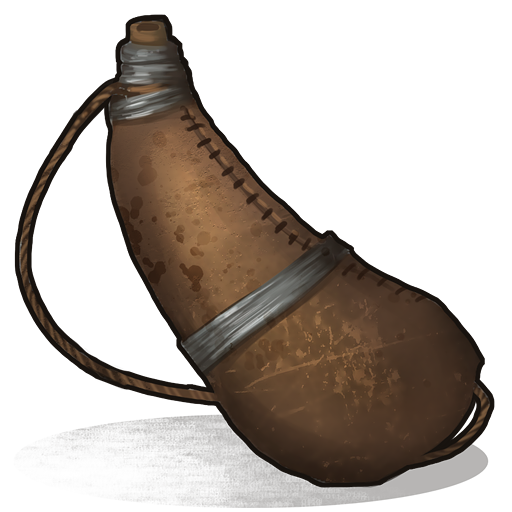 |
250 mL. Easy carry. |
| Water purifier | Convert salt to fresh. WB2 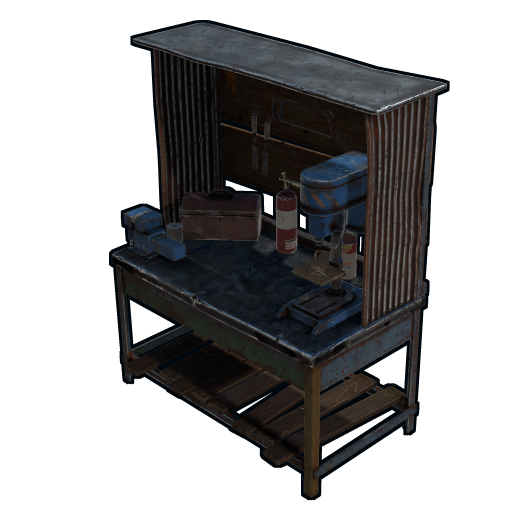 craft. craft. |
| Pump jack on water tile | Steady supply piped into base |
Pro tip: never drink ocean water unless you have no choice. Carry a jug filled from a river.
Temperature
Each biome has a temperature range:
- Forest (temperate): 10-25°C, no concern
- Field: 15-30°C, no concern
- Desert: 25-40°C daytime, 5-15°C nighttime. Hot biome stress at day, cold at night.
- Snow / Arctic: -20 to 5°C. Cold biome stress year-round. Fire required.
- Tundra: -5 to 10°C. Mild cold.
Cold damage
If your character's effective temperature is below 0°C:
- HP regen halts
- HP loss begins (~1 HP/sec at extreme cold)
- Movement slightly slower
- Hunger drops faster
Clothing temperature
| Item | Cold protection |
|---|---|
| Burlap top/legs | Minimal |
Hoodie 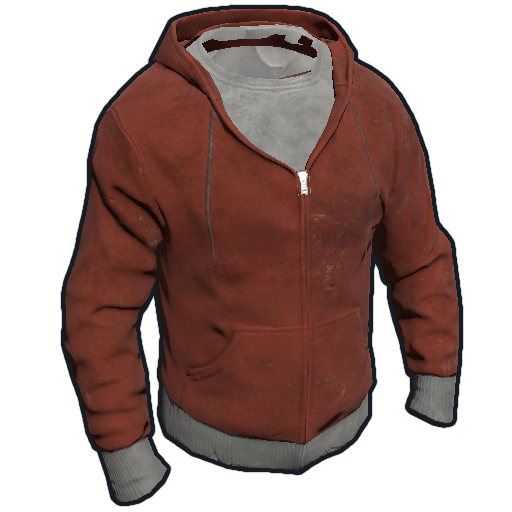 / pants / pants |
Moderate |
Snow jacket 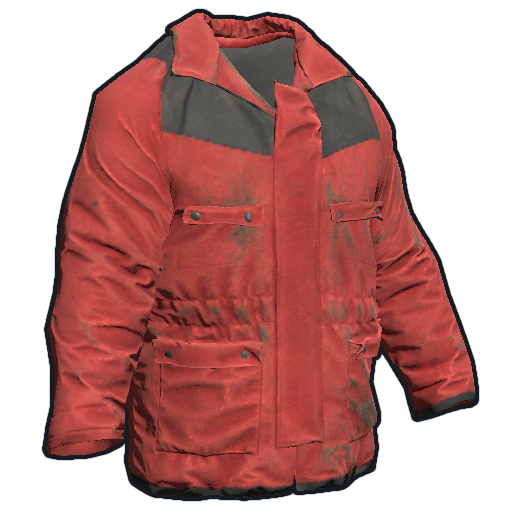 |
High (snow biome ready) |
| Boots | Minor (helps feet) |
| Wolf headdress / hat | Moderate head warmth |
Hazmat suit 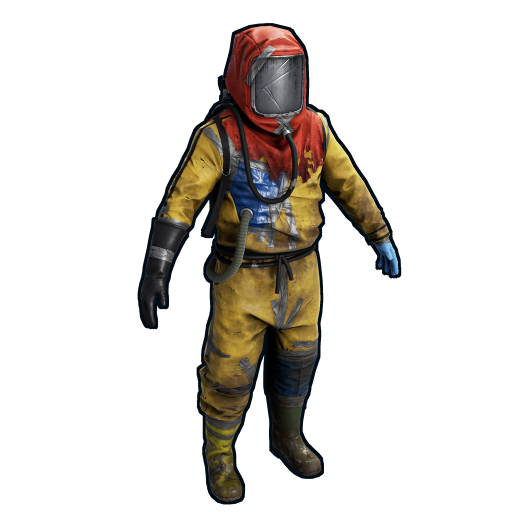 |
Some cold + 50% radiation |
| Full snow jacket + pants + boots + gloves + hat |
Snow biome capable |
Fire and heaters
- Campfire : wood
 -fueled, warmth + cooking + light. ~1 wood per 10 sec.
 - Furnace
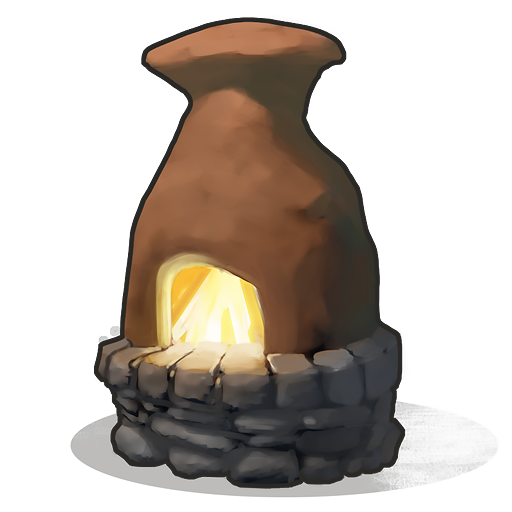 : warmer than campfire when running, doubles as smelter.
 - Ceiling heater
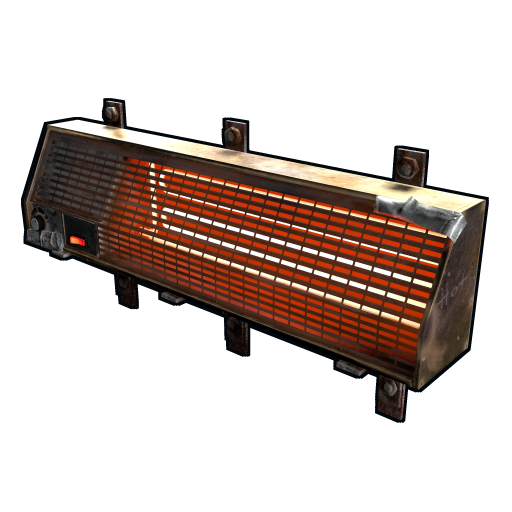 : electric, 2 rW, keeps a room above 10°C.
 - Wood barrel/pile: decorative warmth source.
Pro tip: in snow biome, place a campfire inside your base at all times. Run it during sleep. Or use an electric heater wired to your battery.
Hot damage
Above 35°C effective temperature:
- Thirst drops 2x faster
- Hunger drops slightly faster
- Stamina regenerates slower
Less common to die from heat than cold. Just stay hydrated in desert biome.
Animals
| Animal | HP | Damage | Drops | Notes |
|---|---|---|---|---|
| Chicken | 25 | Minor peck | 1-2 raw chicken | Easy starter food |
| Boar | 150 | 15-20 melee | 4-6 raw meat , fat |
Aggressive when wounded |
| Deer | 150 | None (flees) | 4-8 raw meat , leather  |
Best food yield |
| Stag | 150 | None (flees) | Same as deer | More elusive |
| Wolf | 150 | 25-30 | 2-3 raw meat , wolf head |
Aggressive pack hunter |
| Bear | 325 | 50-70 | 8-12 raw meat , large skull |
Highly aggressive |
| Polar Bear (snow only) | 420 | 70+ | 12-15 meat, polar skull | Most dangerous |
| Shark (ocean) | 148 | 40 | 6-10 raw fish, shark meat | Attacks swimmers near oceans |
Killing animals
Hatchet  or pickaxe
  at melee range for small animals. ~19 hits to kill a deer.
Bow + arrow  at range. Headshot multipliers apply to animals. A bow headshot one-shots most prey.
Firearms are overkill on small game (wastes ammo) but necessary for bear/wolf/polar bear.
Pro tip: never melee a bear. Use a bow from a high rock 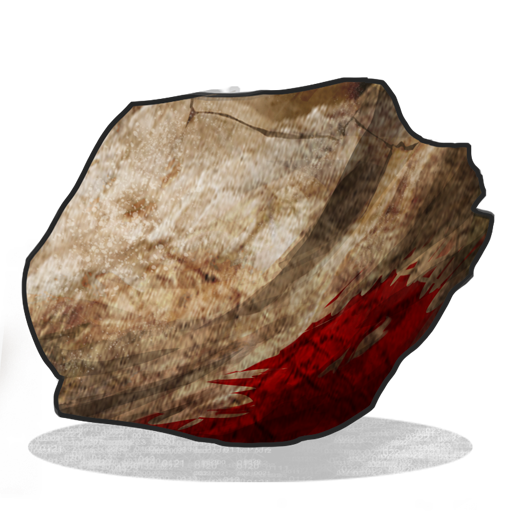 , or run. Bears outrun unarmored players.
Radiation
Found at certain monuments (Power Plant, Launch Site, Train Tunnels deep) and roaming the world in patches.
Effects
- Radiation accumulates while in a rad zone
- Above 100 rads: you start taking HP damage
- Above 500 rads: you die quickly
Protection
| Gear | Rad protection |
|---|---|
| Hazmat suit (full) |
50% |
| Wolf headdress | Minor |
| Snow jacket |
Some |
| Hoodie / pants |
Minor each |
| Heavy plate armor | Almost none — designed for kinetic, not rads |
Always wear hazmat for radiation runs. Power Plant, Train Yard, Launch Site, Military Tunnels.
Anti-rad pills
Found in medical loot. Reduces your accumulated radiation gradually. Carry 5-10 if you live near a rad monument.
Healing items
| Item | HP restored | Use case | Crafting |
|---|---|---|---|
Bandage 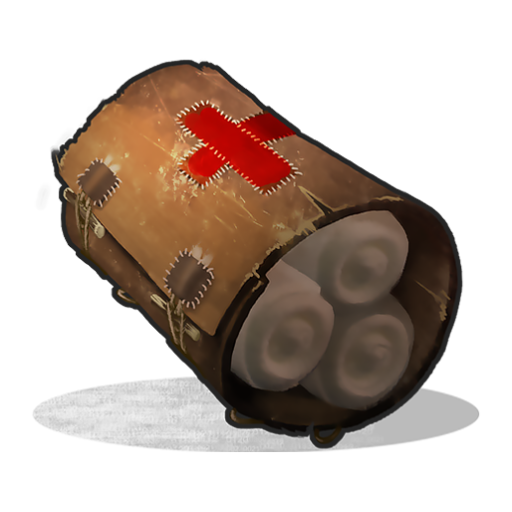 |
5 immediate (-50 bleed) | Stops bleeding, basic regen | 4 cloth  |
Syringe 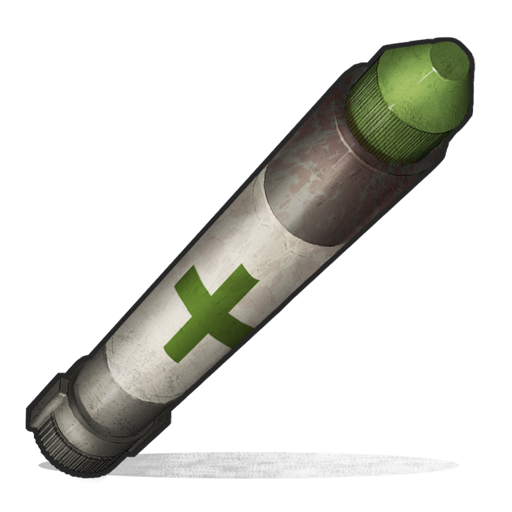 |
15 immediate + 20 over time | Mid-fight burst heal | WB2 : 15 cloth + 10 low grade fuel + 10 metal frags |
Large Medkit 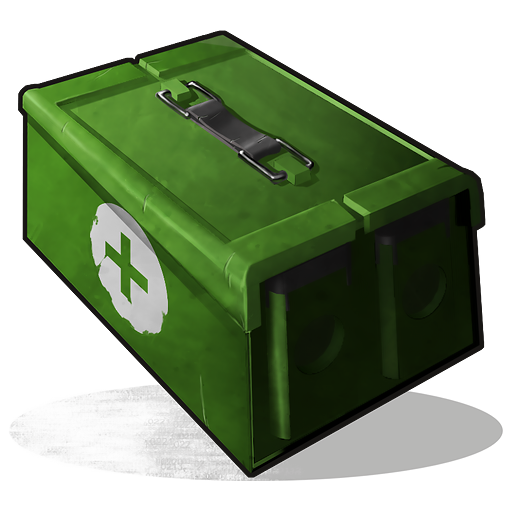 |
10 immediate + 100 over time, stops bleeding | Full heal, slow application | WB2 : 10 low grade fuel + 2 syringes |
| Apple (or food) | Trickle | Light regen via hunger | Direct |
| Berry |
Tiny | Like apple, smaller | Plant |
| Anti-rad pill | Reduces radiation | Rad zone recovery | Loot only |
| Blood | Regen + hunger | Drink directly from animals | Hatchet animal kill |
Healing pattern
In a fight: hit syringe immediately if injured. After fight: bandage if bleeding, then food + water for slow regen. Save large medkits for raid defense scenarios.
Sleeping bags and beds
Two respawn options:
Sleeping bag 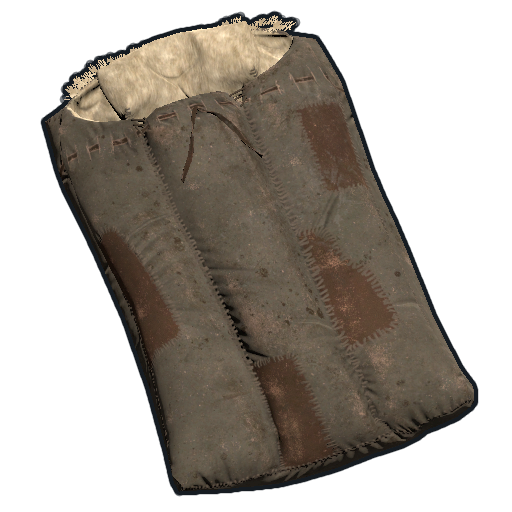 — cloth craft, 5-min respawn cooldown after using. Place anywhere in your base or hidden in bushes.
Bed 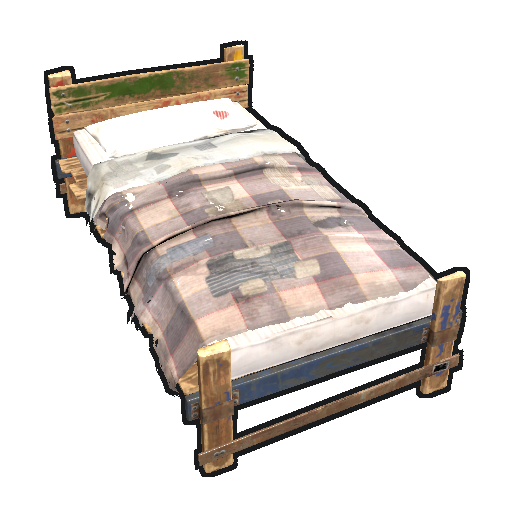 — 100 metal frags
  + 60 cloth + 2 sewing kits, 2-min respawn cooldown (faster). More expensive but lets you respawn faster mid-fight.
Strategy: place one bag in main base, one bag in forward outpost (near a frequent monument), one hidden bag in bushes near a raid response location. Always have multiple options.
Bleed mechanic
Hatchet , knife, and certain melee weapons cause bleed:
- Bleed deals 1 HP/sec until bandaged
- Cleared by any bandage / syringe / medkit
- Can stack up to ~5 HP/sec from multiple sources
Pro tip: carry 5+ bandages anywhere you go. Bleeding deaths are stupid avoidable.
Fall damage
Fall damage scales with height:
- 5m or less: zero damage
- 5-10m: ~10 HP
- 10-15m: 20-30 HP
- 15m+: 50-100 HP, often fatal
Vault over edges with crouch + sprint to reduce minor drops. For longer falls, use ladders or land in water (no fall damage if you hit water).
Drowning
Underwater past ~30 seconds: you start losing HP from drowning. Surface every 30 seconds, or use scuba gear (loot).
Sound and stealth
Your character makes sound when:
- Sprinting (loudest)
- Walking (moderate)
- Crouching (quiet)
- Eating (chomping, audible to nearby players)
- Reloading (specific weapon-reload sound)
- Crafting (workbench-tap sound)
- Opening doors / hatches
Pro tip: crouch-walk when scouting. Eat before fights, not during. Don't reload in the open.
Common survival mistakes
- Letting hunger drop below 30. You stop regen, can't recover from a fight.
- Drinking ocean water. Always negative; carry fresh water or find a river.
- Wearing no clothes in snow biome. Hypothermia damage kills you fast.
- Approaching a bear with a bow at 5m. Always 30m+ or run.
- Forgetting bandages . Bleed deaths are entirely preventable.
- Falling into a chasm without checking depth. A 15m drop is lethal.
- Sleeping naked. Wake up to a raid, no armor on, instantly dead.
- Carrying all your loot in one trip. Split high-value into multiple jugs and don't lose it all.
Pro tips
- Cook food at base in bulk. 30 cooked meat lasts a day.
- Always carry 3 bandages , 1 syringe , 1 jug of water.
- Sleep in armor in snow biome. Wake-up hypothermia is real.
- Plant berries in your greenhouse. Tea + food + decent water content.
- Take anti-rad pills before a rad-heavy monument run — pre-deplete accumulation.
- Build a campfire in your base even with electric heater backup. Power outages happen.
- Stack hatchets and pickaxes by category — wood tools, ore tools, etc. Doesn't degrade as fast as one overused tool.
- Skin animals fully. Get bones, leather , fat, meat all from one kill.
The Comfort mechanic — the buff most players ignore
Comfort is a hidden quality-of-life buff that the game shows as a small icon when active. It is generated by being near "comfortable" deployables — primarily the Campfire, Furnace, Hobo Barrel, and most powerfully the Rug and standing inside a fully enclosed base. Comfort stacks up to a value of 1 (100%) and decays the moment you leave the source.
While Comfort is active you get three concrete benefits: HP regeneration is faster, hunger drains noticeably slower, and accumulated radiation ticks down more slowly. The practical takeaway is to heal up next to a fire, not in the open. Sitting by a campfire after a fight regenerates HP at close to double the open-field rate and burns far less food doing it. A rug placed in your base under your usual standing spot keeps a small Comfort value running for free. This is also why sleeping inside a finished, enclosed base feels "safer" beyond just the walls — you log off with the buff helping your overnight regen.
Wetness and how rain quietly kills you
Wetness is a separate bar from temperature, and the two interact. Standing in rain, swimming, or walking through deep water fills the wetness bar. A wet character loses effective temperature far faster — being soaked in the snow biome can drop you into cold damage even while wearing a snow jacket, because the jacket's insulation value is reduced while wet. Wetness drains slowly when you are out of water and faster when you are near a heat source.
- Rain raises wetness gradually; a roof or any overhead cover stops it.
- Swimming spikes wetness to maximum almost instantly and the deeper you submerge the faster it climbs.
- The fix is heat plus shelter: stand by a campfire under a roof and both wetness and temperature recover together. Never try to warm up in the rain — the heat source is fighting the wetness the whole time.
For arctic crossings this means timing matters: cross water bodies fast, get under cover, and dry off before pushing deeper into the snow. A wet player in a blizzard with no fire is on a death timer.
Radiation tiers and the accumulation model
Radiation is not a single value in the world — monuments contain stacked spherical radiation zones of different intensity, and your personal "rads" stat is what actually matters. You accumulate rads while standing in a zone at a rate set by that zone's tier minus whatever your gear's protection cancels out. Step out of the zone and rads stop climbing, then slowly tick down on their own (faster with Comfort active or anti-rad pills).
| Rad exposure level | Where you find it | Gear needed |
|---|---|---|
| Light | Outer rings of Supermarket, Mining Outpost, Gas Station | Hoodie + pants is usually enough; hazmat optional |
| Medium | Airfield, Trainyard, Water Treatment, Sewer Branch interiors | Full hazmat suit strongly recommended |
| Heavy | Launch Site, Military Tunnels, Power Plant cores | Full hazmat is mandatory; bring anti-rad pills |
The key number: damage begins once your accumulated rads cross roughly 100, and climbs sharply past 500. A full hazmat suit roughly halves your intake rate, which converts a "you will die" zone into a "you can stay a couple of minutes" zone — it does not make you immune. The correct play at heavy monuments is to loot fast, watch the rad icon, and step into a clean room or outside to bleed rads off before they reach the damage threshold, rather than trusting the suit to tank indefinitely.
The wounded and crawling system in detail
When a hit would kill you, the game sometimes drops you into a wounded state instead of an instant death. There are two distinct wounded states and understanding the difference decides whether you survive.
- Incapacitated wounded: you are flat on the ground, cannot move, cannot act, and slowly tick toward either getting up or dying. You sit at around 5 HP. An enemy can simply walk up and finish you.
- Crawling wounded: the recovery state. You can move slowly and open doors, and you recover to a minimum of roughly 30 HP when you reach it. This is the state that lets you actually escape into a bush or back through your airlock.
Whether you can be wounded at all depends on the damage: a clean headshot, a fall, or massive overkill damage kills outright with no wounded state. Lower-margin lethal hits — most body shots that just barely cross zero — are the ones that trigger wounded. While wounded you can be revived by a teammate, which brings you back up with a chunk of health; this is why pushing a downed enemy to confirm the kill is standard practice, and why a solo who goes down in the open is usually finished.
Practical wounded play: if you go down in crawling state, immediately crawl toward cover or a door — do not lie still hoping to get up. If you are the one who downed an enemy and you have time, finish them; a wounded enemy with a teammate nearby is a free res away from being a threat again. Self-revive is not possible without the help of a teammate or simply waiting out the timer, and waiting it out in the open against an active enemy almost never works.
Bleeding, fall thresholds, and stacking damage
Bleeding is a damage-over-time effect applied by most weapon hits and by falls. It does not stop on its own quickly — it ticks your HP down independent of the original hit, so a fight you "won" can still kill you on the walk home. A Bandage or Medical Syringe clears the bleed; the syringe also heals, the bandage mainly stops bleed and gives a small heal. Always carry bandages even on a quick farm run, because animal attacks and falls both bleed you.
Fall damage scales with height: short drops are harmless, drops of roughly two to three storeys start to hurt, and anything above that is lethal or near-lethal and applies bleed on top. Sloped terrain reduces fall damage compared to a flat vertical drop, and landing in deep water negates it entirely — a deliberate water landing is the standard way to escape down a cliff face. Inside bases, never sprint-jump off high floors without checking the drop; many wipe-day deaths are self-inflicted falls inside an unfinished build.
Performance & FPS settings for weaker PCs
Rust is a demanding game, and a low or stuttering frame rate puts you at a real disadvantage in a fight. If your PC is not powerful, the good news is that the in-game settings can claw back a large amount of performance without making the game unplayable. This section explains which settings matter and why.
Rust is CPU-bound — what that means for you
The most important fact about Rust performance is that the game leans far more heavily on your CPU (processor) than on your GPU (graphics card). Even with a top-end graphics card, a weak processor will still produce stutters and low frame rates. You can check this while playing: press F1, type perf 1, and watch the readout. If your CPU usage is pinned near 100% while the GPU sits well below that, the CPU is your bottleneck — and lowering graphics options will help less than you hope. The settings below still help, but set your expectations: on a weak CPU, aim for a stable 60 FPS rather than a high number.
The Graphics Quality master slider
In the Options menu under the Graphics tab, the Graphics Quality slider is the single most powerful setting. It is a master control that adjusts many things at once. It runs from 0 to 5:
- 0–1 — maximum frame rate, lowest visual quality. Best for weak PCs.
- 2–3 — a balanced look for mid-range hardware.
- 4–5 — high quality, demands strong hardware.
If your PC struggles, set Graphics Quality to 0 or 1 first, then fine-tune the individual settings below.
The settings that cost the most performance
| Setting | What it does | Recommended for a weak PC |
|---|---|---|
| Shadow Quality | Detail and softness of shadows. Shadows are expensive to draw. | Lowest, or off entirely |
| Shadow Cascades | How far crisp shadows extend from you. | No Cascades / lowest |
| Water Quality & Water Reflections | Reflections and detail on water surfaces. | Lowest; turn reflections off |
| Grass Quality / Displacement | Density of grass and whether it bends as you walk through it. | 0 (grass off) or lowest |
| Particle Quality | Smoke, fire, dust and other effects. | 0 or lowest |
| Object / Tree Quality | Detail of distant objects and foliage. | Low to medium |
Shadows and water are usually the biggest single drains. Turning them down or off often gives the largest single jump in frame rate.
Resolution scaling and render distance
Two more settings are worth knowing:
- Render Scale / resolution scaling — this renders the 3D world at a fraction of your screen resolution and then upscales it. Dropping it slightly below 100% (for example to 80–90%) can noticeably raise your frame rate at the cost of a softer image. The HUD and menus stay sharp because they are drawn separately. Lower this if your GPU is the bottleneck.
- Render Distance / Draw Distance — how far away the world is drawn. A long draw distance is expensive. On a weak PC, set it to roughly 600–1000 rather than the maximum. You give up seeing far-off detail, but nearby gameplay is unchanged.
Quick low-end starting point
If you just want numbers to type in: Graphics Quality 0–1, Shadow Quality lowest or off, Grass and Particle Quality 0, Water Quality lowest, Draw Distance 600–1000, and Render Scale around 80–90% only if your GPU is the limiting part. Apply those, play for a few minutes, then raise individual settings back up one at a time until performance starts to suffer. Always change one setting at a time so you know what helped.
Controls, keybinds & UI orientation
Rust deliberately does not hold your hand, and its interface is minimal. Knowing the default controls and what the on-screen bars mean turns a confusing first hour into a manageable one. This section is a plain orientation to the HUD and keybinds.
Reading the HUD bars
Most of your screen is the game world — Rust shows very little permanent interface. The piece that matters most sits in the bottom-right corner: a small stack of status bars. The three you watch constantly are:
| Bar | What it tracks | What happens if it empties |
|---|---|---|
| Health | How much damage you can take. Regenerates slowly when hunger and hydration are healthy. | You die. |
| Hunger (Calories) | Food in your body, drained by time and activity. | You start losing health until you eat. |
| Hydration (Thirst) | Water in your body, drained faster in heat. | You start losing health until you drink. |
A radiation indicator also appears here when you are in an irradiated area. The simple rule for survival: keep hunger and hydration topped up and your health will look after itself most of the time. Your active item, ammo and other temporary readouts sit nearby in the same corner.
The keys you need from minute one
| Key | Action |
|---|---|
| W A S D | Move |
| Mouse | Look; left-click uses your item, right-click is the secondary action |
| Shift | Sprint |
| Ctrl | Crouch — quieter, smaller target, needed for some doorways |
| Spacebar | Jump |
| Tab | Open your inventory and crafting menu |
| G | Open the map |
| V | Voice chat — hold to talk to nearby players |
| Hold Alt | Freelook — turn your head to look around without changing the way you face or move |
| F | Pick up items, and the radial menu for placing things like building parts |
| E | Use / interact (open doors, loot crates, mount vehicles) |
| Q | Auto-run |
| T | Text chat |
| 1–6 | Select an item from your hotbar (the slots along the bottom of the screen) |
| F1 | Open the developer console |
Two of these deserve a closer look. Freelook (hold Alt) lets you watch behind or beside you while still running forward — essential for checking if you are being chased without slowing down. Crouch (Ctrl) makes your footsteps quieter and your body a smaller target; in Rust, sound gives your position away constantly, so crouching at the right moment is a genuine survival skill.
How to rebind keys
Every control above can be changed. The straightforward way is through the menu: press Esc, choose Options, then the Controls tab. Click the action you want to change and press the new key. Most players adjust controls here and never need anything else.
There is also an advanced route through the F1 console using the bind command — for example bind k kill would make the K key kill your character. After creating binds in the console, type writecfg so the change is saved; your keybinds are stored in a keys.cfg file in your Rust folder. For a new player the Options menu is all you need — the console method is there once you want custom shortcuts.